No receipts. No spreadsheets. No forgotten trips.
📍
GPS Auto-tracking
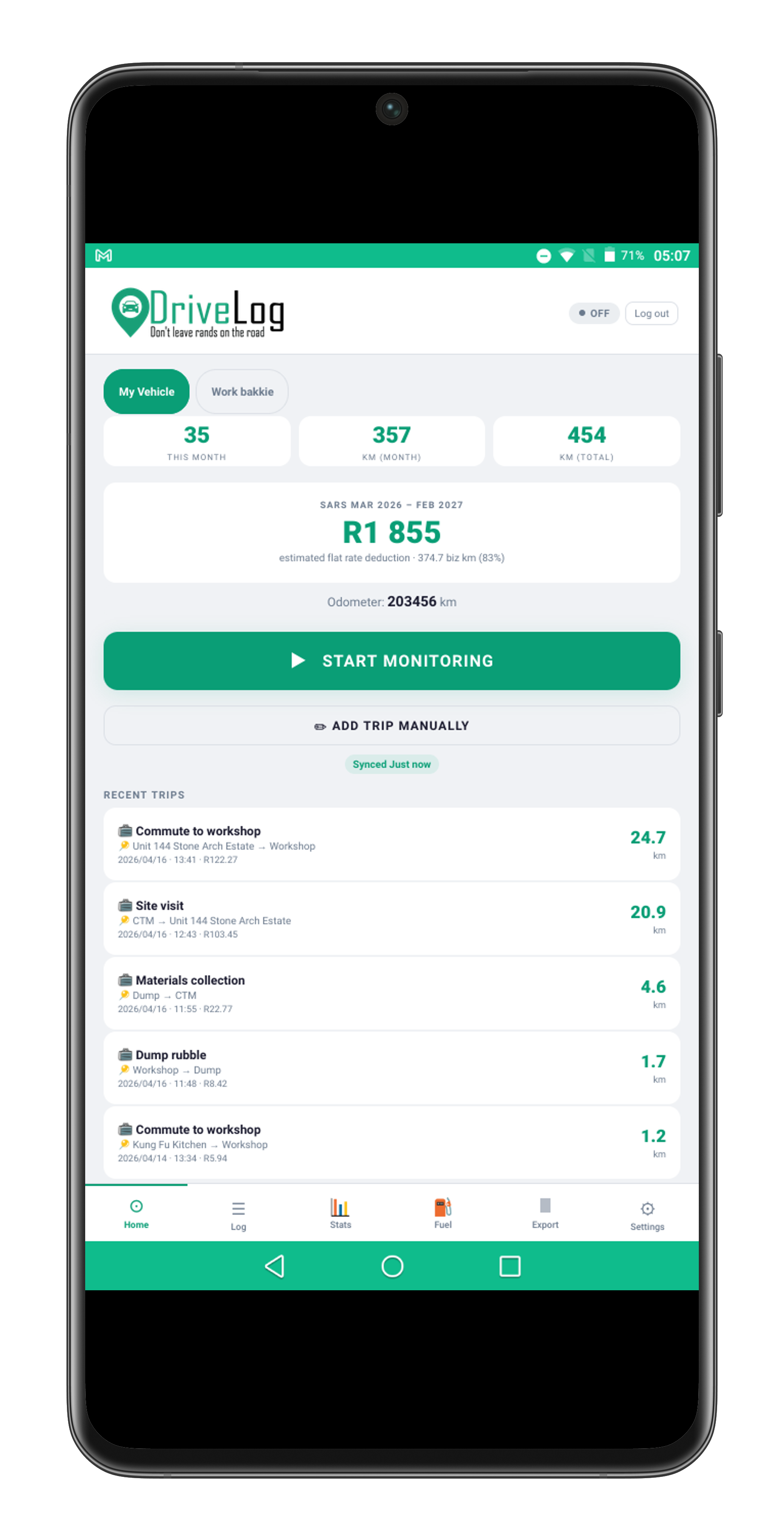
Tap Start Logging once and DriveLog auto-detects when you start and stop driving. Background tracking with the screen off requires the Android or iOS app.
📋
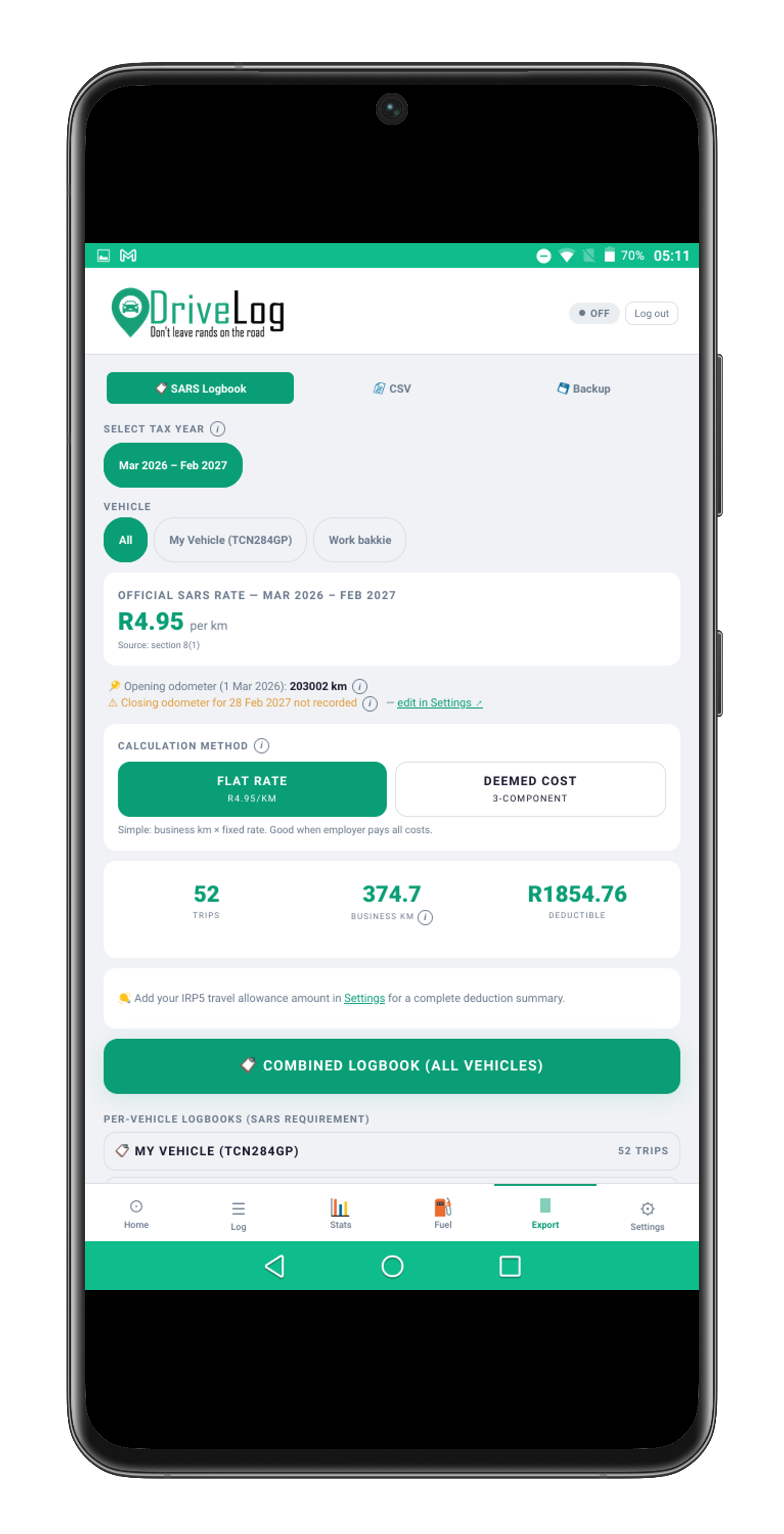
SARS Logbook PDF (Pro)
One tap generates a print-ready PDF covering flat rate, deemed cost, or Section 11(a) — with odometer readings, purposes, and a taxpayer declaration included.
🏛
Flat Rate & Deemed Cost
Calculates both SARS methods and shows which gives you the bigger deduction — including IN 14 fixed cost, fuel CPM, and maintenance CPM per vehicle value band.
🧠
Smart Auto-fill
Learns your destinations and pre-fills the trip purpose automatically — if you always visit a client at a specific location, DriveLog remembers.
🚘
Multiple Vehicles
Separate logbooks, odometers, and settings per vehicle. Switch between them on the home screen.
🗺
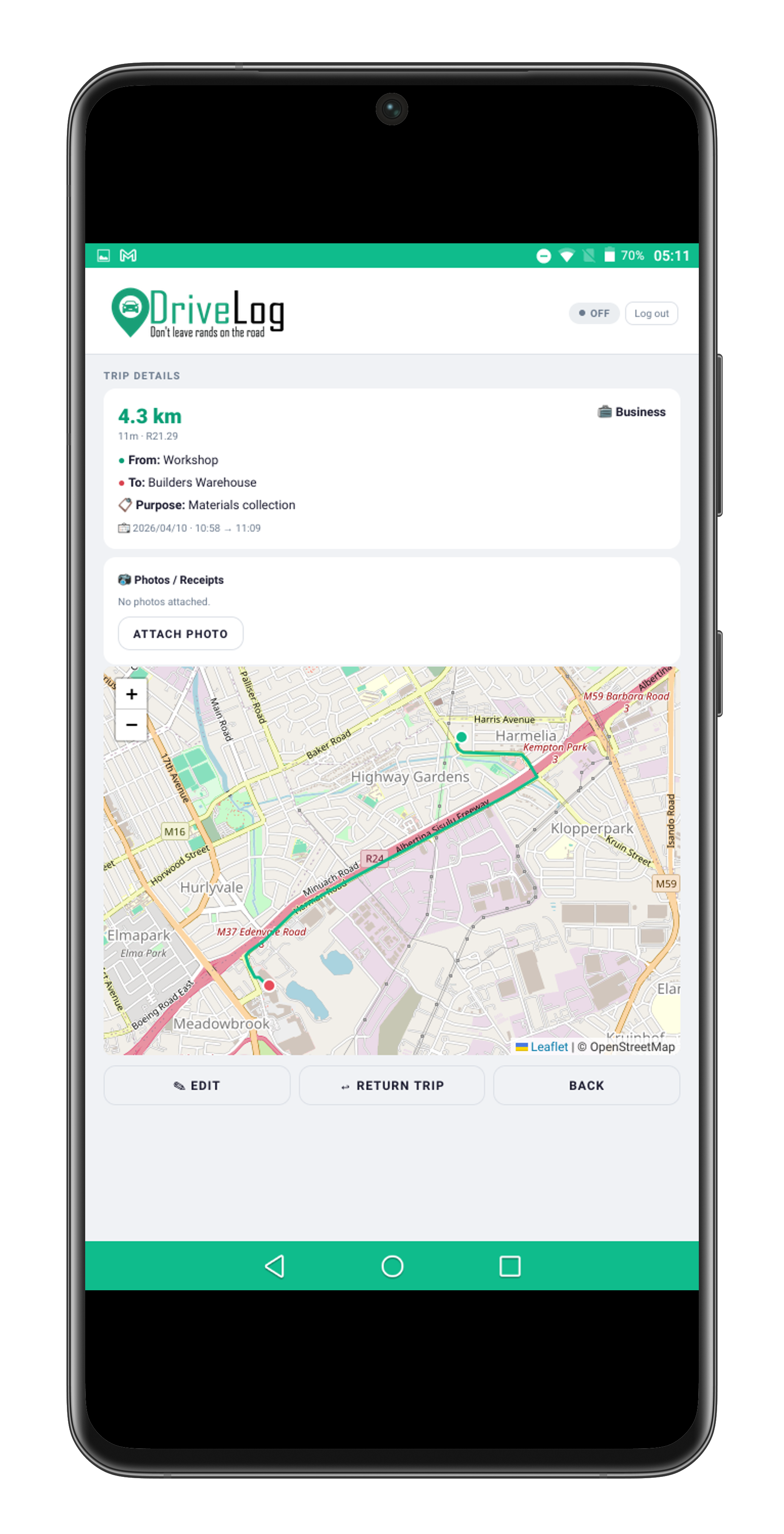
Interactive Trip Maps
Verify any disputed trip with a GPS route replay — every journey plotted, date and time stamped.
📅
Calendar View
See your trip activity in a monthly calendar — tap any day to see exactly what was recorded. Useful for spotting gaps before tax time.
🔵
Bluetooth Auto-trigger
Pair your car's Bluetooth once and DriveLog detects when you get in. On Android, it can start logging automatically — no tap needed.
📤
Accountant CSV Export
One-tap monthly summary CSV with business km, distances, and rand values — ready to hand straight to your accountant for a Section 11(a) deduction claim.
⛽
Fuel Tracking
Log fill-ups to track your fuel economy, cost-per-km, and monthly fuel spend over time.
🔁
Route Rules
Set a rule for any start → end route and DriveLog auto-classifies and purposes it every time. Created in one tap from the trip edit screen.
🚶
Walking Trip Detection
DriveLog flags trips with a very low average speed as potential walking trips, so you can delete them before they clutter your logbook.
📱
Works Offline
Install DriveLog on your phone like a native app — no app store needed. All tracking works offline and data syncs when you reconnect.
☁
Cloud Backup & Sync
SARS requires you to retain logbook records for 5 years — your data is backed up automatically and syncs across devices so you never lose records.
📹
Dashcam Recording (Pro)
Record video while driving with automatic start/stop tied to your trip. View clips, lock important footage, and flag incidents — all from the app. Android and iOS native app only.
🏃
Activity Recognition
On Android and iOS, DriveLog uses your device's motion sensors to detect when you start driving — no tap needed. Tracking starts and stops automatically based on your activity.
🤖
AI SARS Advisor (Pro)
Ask questions about your SARS travel deduction, IN 14 rules, or deemed cost calculations. The built-in AI advisor gives instant, context-aware answers based on your actual logbook data.
🔧
Service & Maintenance
Track oil changes, tyre replacements, brake services, and more. Set reminders by date or odometer — DriveLog warns you when a service is due or overdue.
🔗
Share with Accountant
Generate a secure read-only link to your logbook and send it to your tax professional. They can view your trips without needing an account. Revoke access any time.